

The Problem
AI coding agents are powerful, but they fail for a predictable reason: they start executing without enough context, and nobody checks their work when they’re done. The result is rework, reverted commits, and teams that can’t tell whether their AI investment is actually paying off. This isn’t an agent quality problem — it’s a planning and verification problem. When agents are given structured plans with clear requirements, constraints, and context, success rates improve dramatically. When their output is verified against the original intent, problems get caught before they reach code review. Brunel solves both sides of this problem.How Brunel Fits Into Your Workflow
Brunel sits at the beginning and end of every agent task — not in the middle. Your developers keep using whatever coding agents they prefer.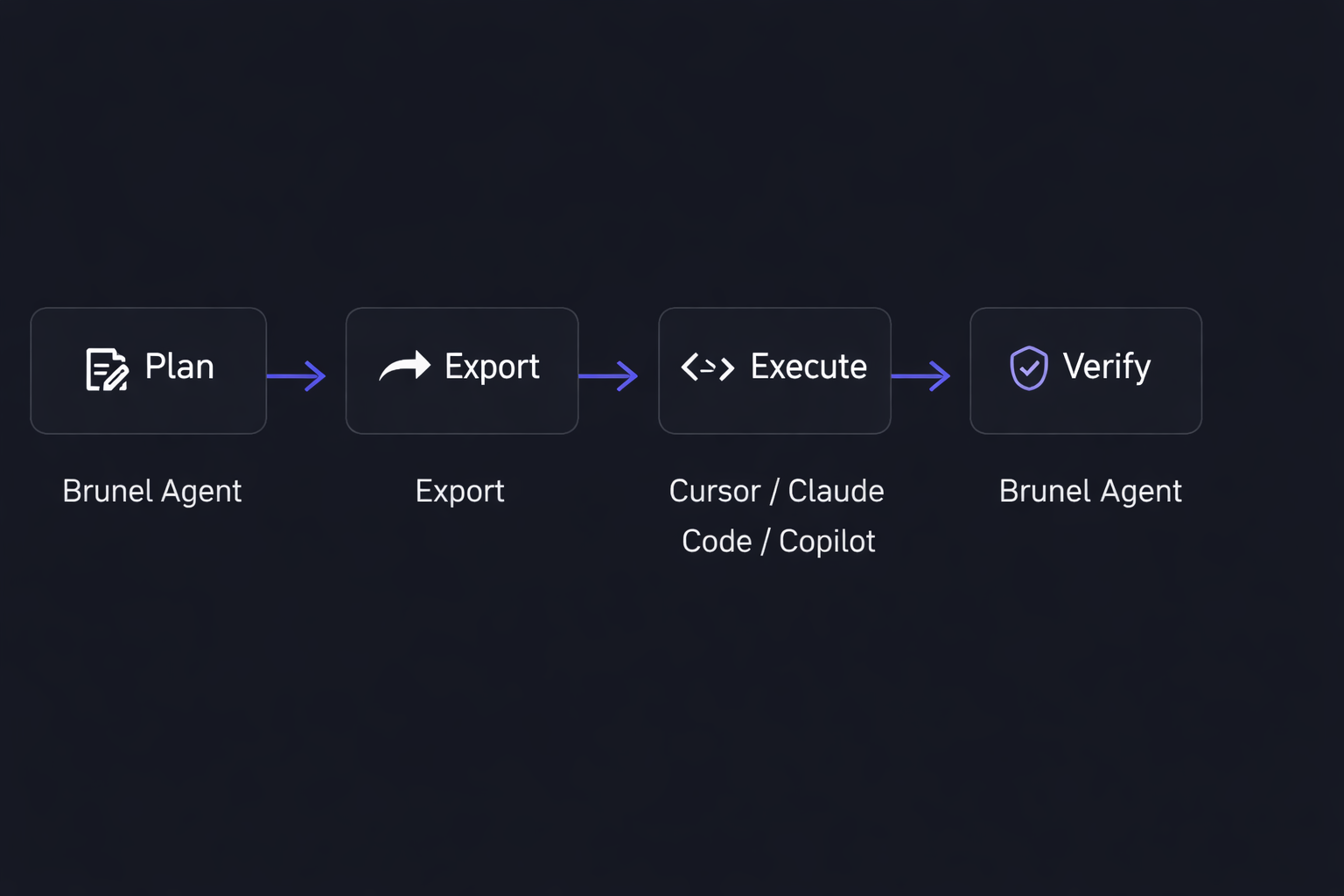
Why Team-First
Most AI coding tools are built for individual developers. Conversations are siloed, plans are disposable, and engineering managers have no visibility into what agents are being asked to do or whether it worked. Brunel is built for teams. Every planning session is a shared workspace — visible to the team, persistent across time, and organized within a clear hierarchy of Organizations, Projects, and Sessions. Managers can see what’s being planned. Senior developers can build plans once and reuse context. Teams can measure whether agent-assisted work is actually improving over time.What Brunel Does Not Do
Brunel does not generate code. This is intentional. By staying out of the execution layer, Brunel remains genuinely complementary to every coding agent on the market. You don’t have to change how your team codes — you just give your agents better plans and verify what they produce.Key Concepts
A few terms you’ll encounter throughout these docs:Next Steps
Quickstart
Install Brunel and run your first session in under 5 minutes
Core Concepts
Go deeper on how Organizations, Projects, and Sessions work
MCP Integration
Connect your coding agent directly to Brunel